Like Wikipedia, when you hover over a link in Quartz, there is a popup of a page preview that you can scroll to see the entire content. Links to headers will also scroll the popup to show that specific header in view.
By default, Quartz only fetches previews for pages inside your vault due to CORS. It does this by selecting all HTML elements with the popover-hint class. For most pages, this includes the page title, page metadata like words and time to read, tags, and the actual page content.
When creating your own components, you can include this popover-hint class to also include it in the popover.
Similar to Obsidian, images referenced using wikilinks can also be viewed as popups, and links to PDFs show the PDF.
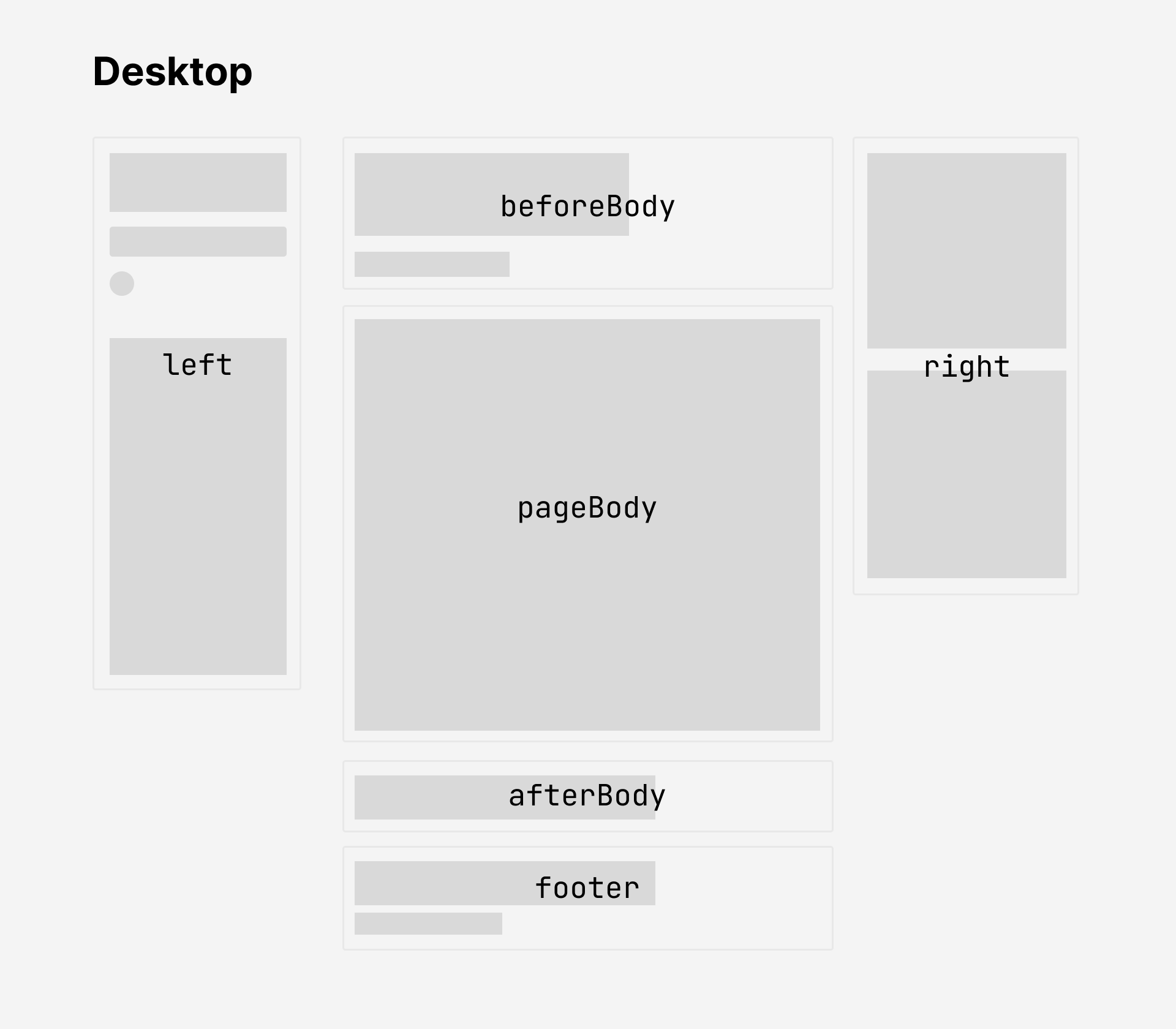
Popovers are shown for internal links (a.internal). A link to an alias page shows the page it redirects to. To turn off the popover for a single link, add data-no-popover="true" to it in HTML (Quartz does this for heading anchor links).
With SPA Routing, a page that was already fetched by prefetching or by the router is reused, so a popover doesn’t download it again.
Configuration
- Remove popovers: set the
enablePopoversfield inquartz.config.yamlto befalse. - Remove popovers for one link: add
data-no-popover="true"to it. - Style:
quartz/components/styles/popover.scss - Script:
quartz/components/scripts/popover.inline.ts